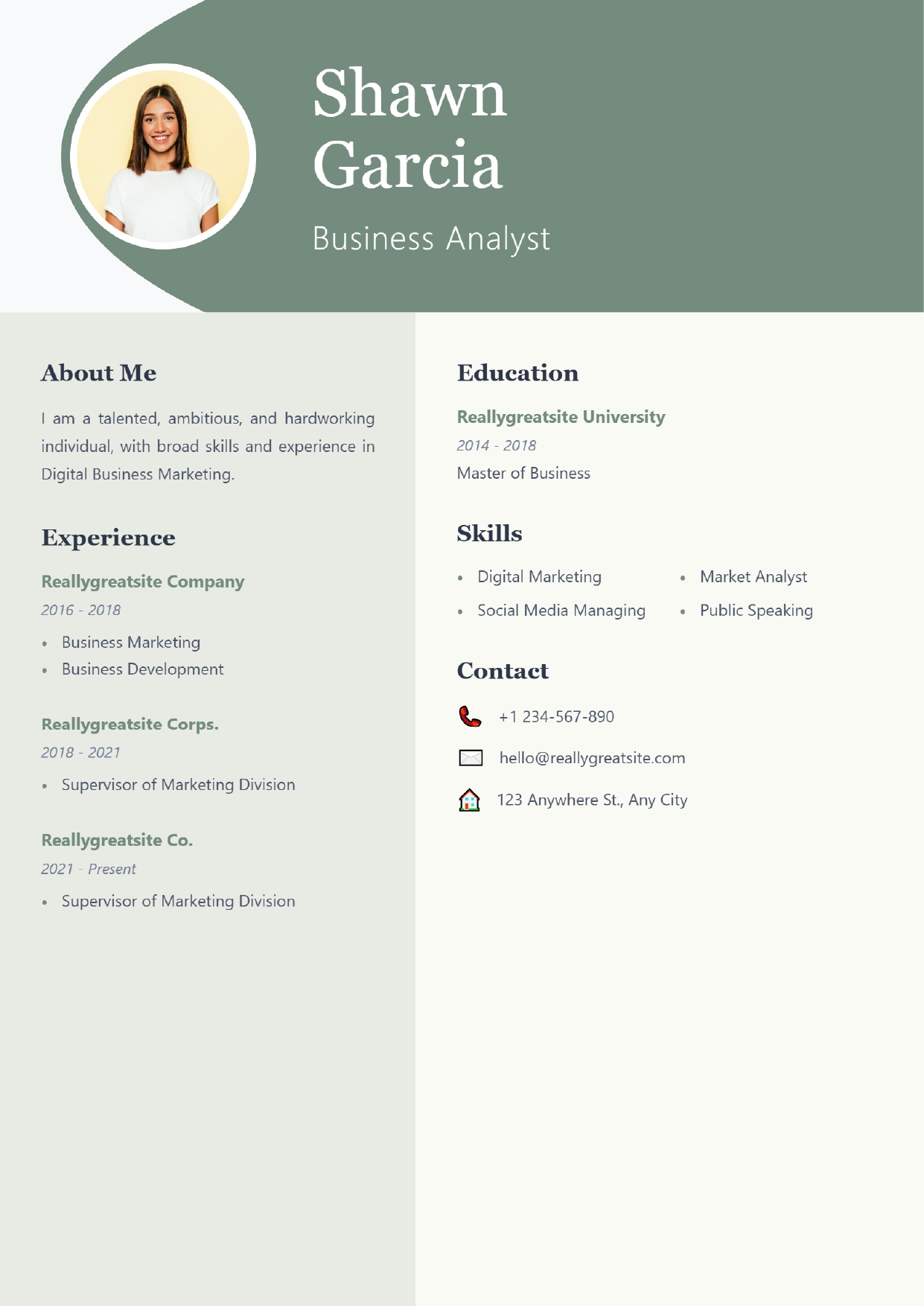
Sage Professional resume template
A muted sage-green header with a curved banner and round photo, serif headings, and a calm two-column body.
Access: You can open, fill in and preview it without paying. Downloading the PDF needs the Pro plan (₹99 for 30 days) or higher. See plans.
| Layout | Header band, two-column body |
|---|---|
| Photo area | Yes — can be left empty |
| Skills shown as | Plain list |
| Suits | Early career (0–3 years), mid-career |
| Suggested length | One page. |
| Download format | PDF (image-based; text is not selectable) |
Who Sage Professional suits
- Business analysts, consultants and coordinators who want a softer look than navy or black
- Roles in education, healthcare administration and non-profits
What works well
- Serif headings and a cream background give a calm, editorial feel without bright colour.
- Skills appear as a simple two-column list, not ratings.
- Contact sits at the bottom of the right column, so the header stays uncluttered.
What to watch out for
- Experience shares the page width with Education and Skills, so long bullets wrap a lot. Keep bullets short.
- Contact details are not in the header — check they are easy to find.
How this layout reads
A header sits over two columns. Readers take in the header first and then usually read the wider column; the narrower column works best for short reference information such as skills, certifications and contact.
Suggested section order
- Contact details and target role
- A three-line summary
- Work experience with results, most recent first
- Skills relevant to the role
- Education
- Certifications or training
You can hide any section you do not need in the builder.
Tips for this template
- Use the About Me box for a three-line summary; anything longer pushes Experience down.
- Use the colour picker to change the accent colour; darker shades print more reliably.
When to choose a different template
- Choose Emerald Executive for a green, single-column layout with more room for achievements (Pro).
- Choose Navy Corporate for the same header-and-two-columns structure in a stronger colour (Pro).
Before you start
- Write or paste your content into a separate document first — the builder does not save your entries if you close the tab.
- Open the template, fill in each section and check the live preview beside the form.
- Download the PDF. If you are uploading to a job portal that reads your file, also prepare a text-based version (see formatting a resume software can read).
Questions about this template
Is Sage Professional free?
You can open, fill in and preview it without paying. Downloading the PDF needs the Pro plan (₹99 for 30 days) or higher.
Does the downloaded PDF have selectable text?
No. The PDF download from our builder is image-based: it reproduces the design exactly, but the text cannot be selected or copied. That is fine for emailing a person or printing. For job portals that read the text out of your upload, keep a text-based copy of your resume as well, or type your details into the portal's form.
Is my resume saved if I close the page?
No. The builder works in your browser and does not save your entries to an account. Keep your text in a separate document and download the PDF before you close the tab.
Do I have to add a photo?
No. The photo area is part of this design, but you can leave it empty. For most jobs in India, the US, the UK, Canada and Australia a photo is not expected; if you will not use one, a template designed without a photo area usually looks better.
Guides to read with this template
Similar templates
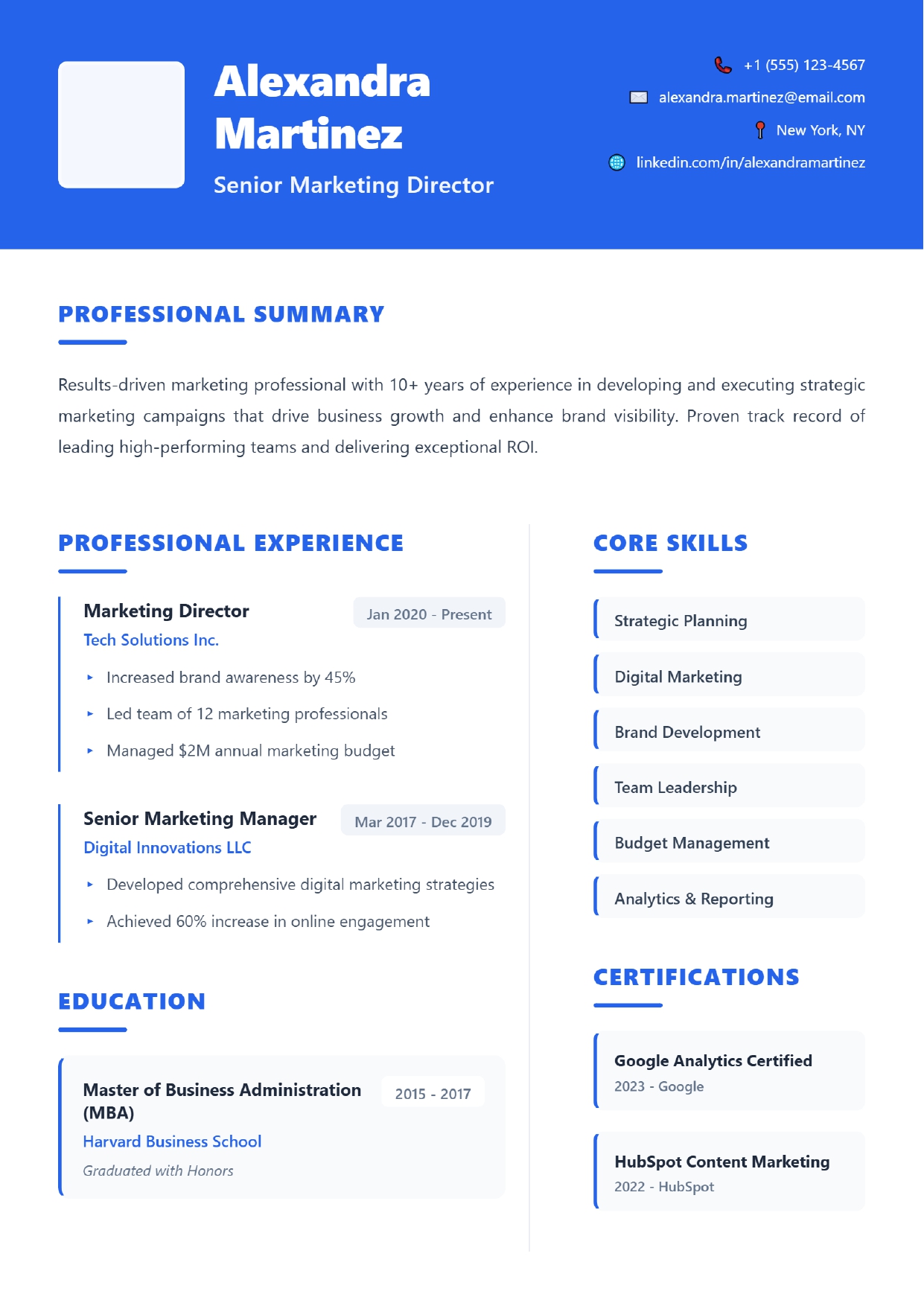 Azure Corporate
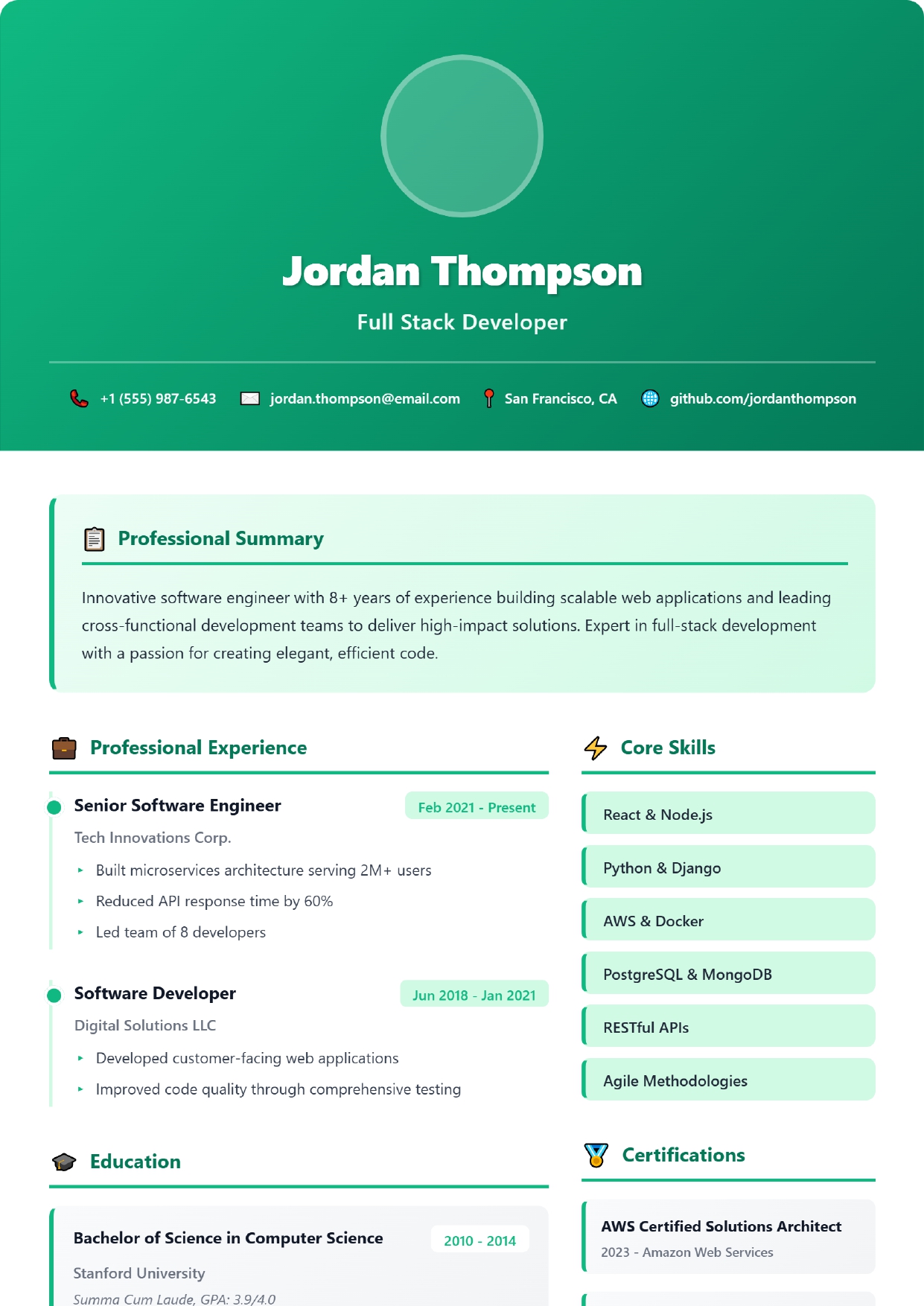 Emerald Gradient
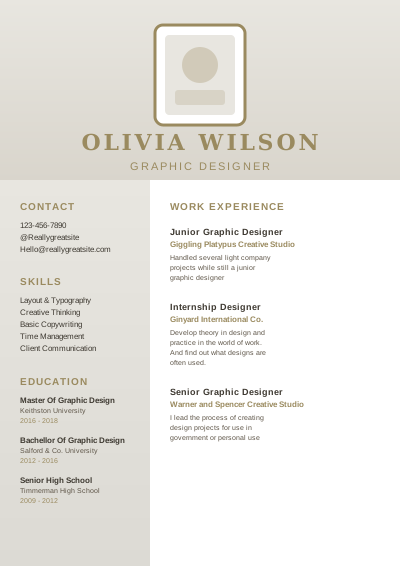 Khaki Creative
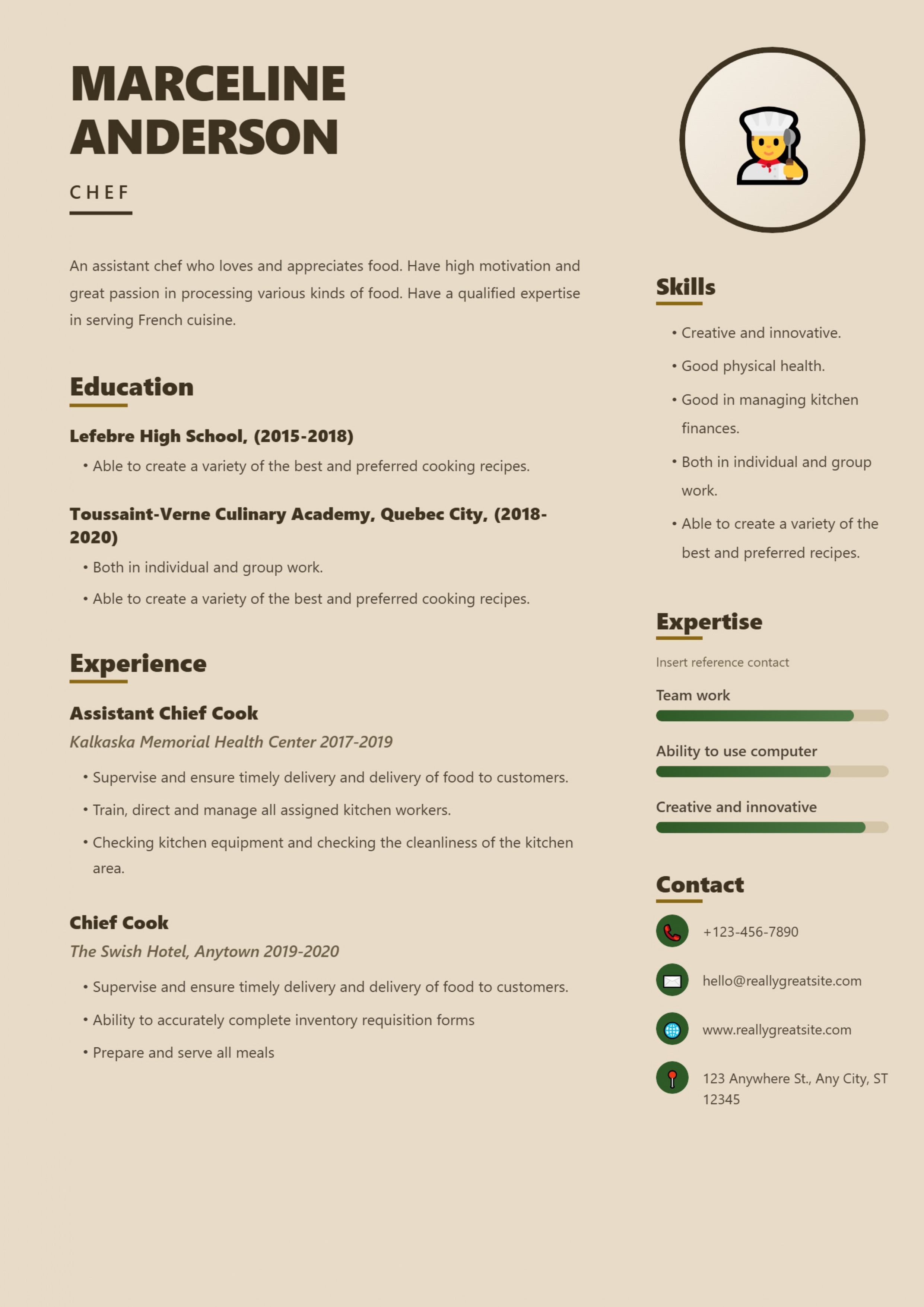 Warm Earth Creative
Ready to try Sage Professional?
You can open, fill in and preview it without paying. Downloading the PDF needs the Pro plan (₹99 for 30 days) or higher.
Open this template Back to all templates