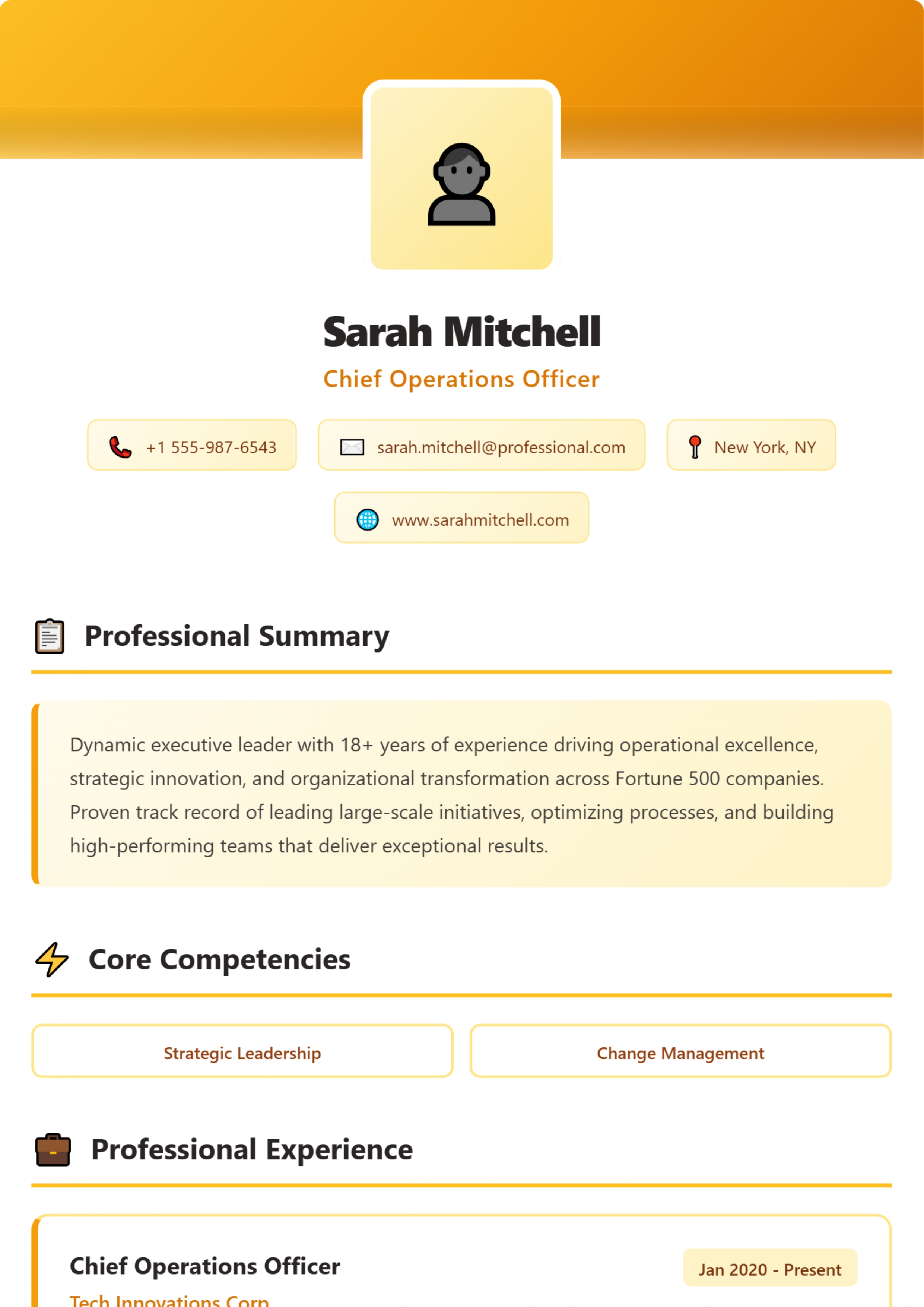
Amber Professional resume template
A warm amber header with a centred photo and contact chips, over a single-column body with icon headings and a highlighted summary.
Access: You can open, fill in and preview it without paying. Downloading the PDF needs the Pro plan (₹99 for 30 days) or higher. See plans.
| Layout | Header band, single-column body |
|---|---|
| Photo area | Yes — can be left empty |
| Skills shown as | Labelled boxes |
| Suits | Mid-career, senior and leadership |
| Suggested length | One to two pages. |
| Download format | PDF (image-based; text is not selectable) |
Who Amber Professional suits
- Operations, hospitality and customer-facing leaders who want a warm, approachable look
- Applicants who want a single-column body but a visual header
What works well
- Below the header everything is one column, so the reading order is simple.
- The summary sits in a highlighted box, which draws the eye to it first.
What to watch out for
- The centred photo and contact chips take a good part of the first page; your experience starts lower than in most templates.
- Yellow and amber can look washed out on some printers.
How this layout reads
A designed header holds your name, photo area and contact details; below it the body is a single column. You get a visual first impression with a simple reading order, at the cost of the header taking a share of page one.
Suggested section order
- Contact details and current title
- Executive summary: scope, sectors, headline results
- Key achievements (three or four)
- Professional experience, most recent first, with a scope line per role
- Core competencies
- Education, certifications and board or advisory roles
You can hide any section you do not need in the builder.
Tips for this template
- Keep the summary to three lines so Experience still starts on the first half of page one.
- Use the colour picker to change the accent colour; darker shades print more reliably.
When to choose a different template
- Choose Ocean Professional for the same structure in teal (Pro).
- Choose Titanium Executive for the same structure in neutral grey (Premium).
Before you start
- Write or paste your content into a separate document first — the builder does not save your entries if you close the tab.
- Open the template, fill in each section and check the live preview beside the form.
- Download the PDF. If you are uploading to a job portal that reads your file, also prepare a text-based version (see formatting a resume software can read).
Questions about this template
Is Amber Professional free?
You can open, fill in and preview it without paying. Downloading the PDF needs the Pro plan (₹99 for 30 days) or higher.
Does the downloaded PDF have selectable text?
No. The PDF download from our builder is image-based: it reproduces the design exactly, but the text cannot be selected or copied. That is fine for emailing a person or printing. For job portals that read the text out of your upload, keep a text-based copy of your resume as well, or type your details into the portal's form.
Is my resume saved if I close the page?
No. The builder works in your browser and does not save your entries to an account. Keep your text in a separate document and download the PDF before you close the tab.
Do I have to add a photo?
No. The photo area is part of this design, but you can leave it empty. For most jobs in India, the US, the UK, Canada and Australia a photo is not expected; if you will not use one, a template designed without a photo area usually looks better.
Guides to read with this template
Similar templates
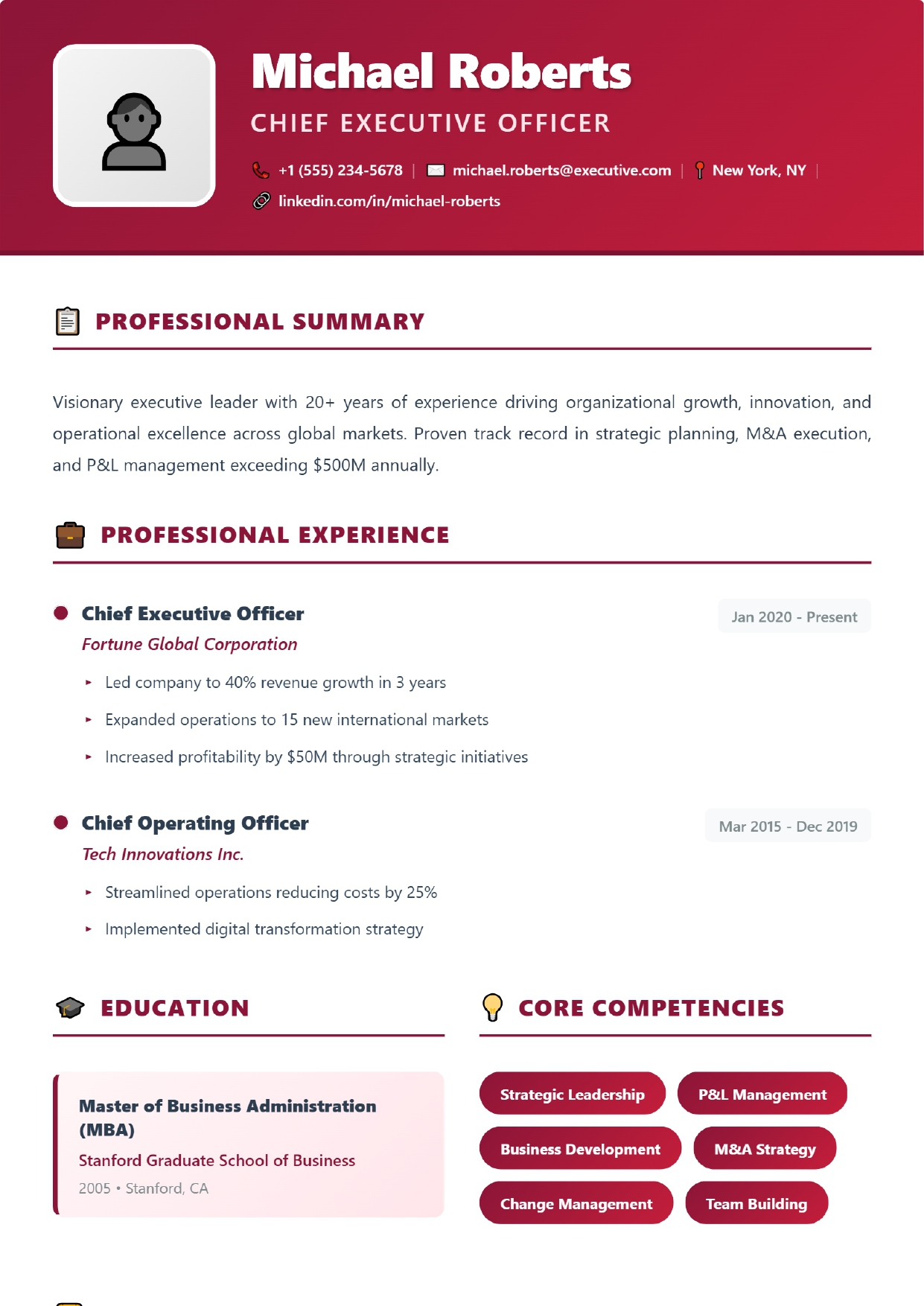 Crimson Premium
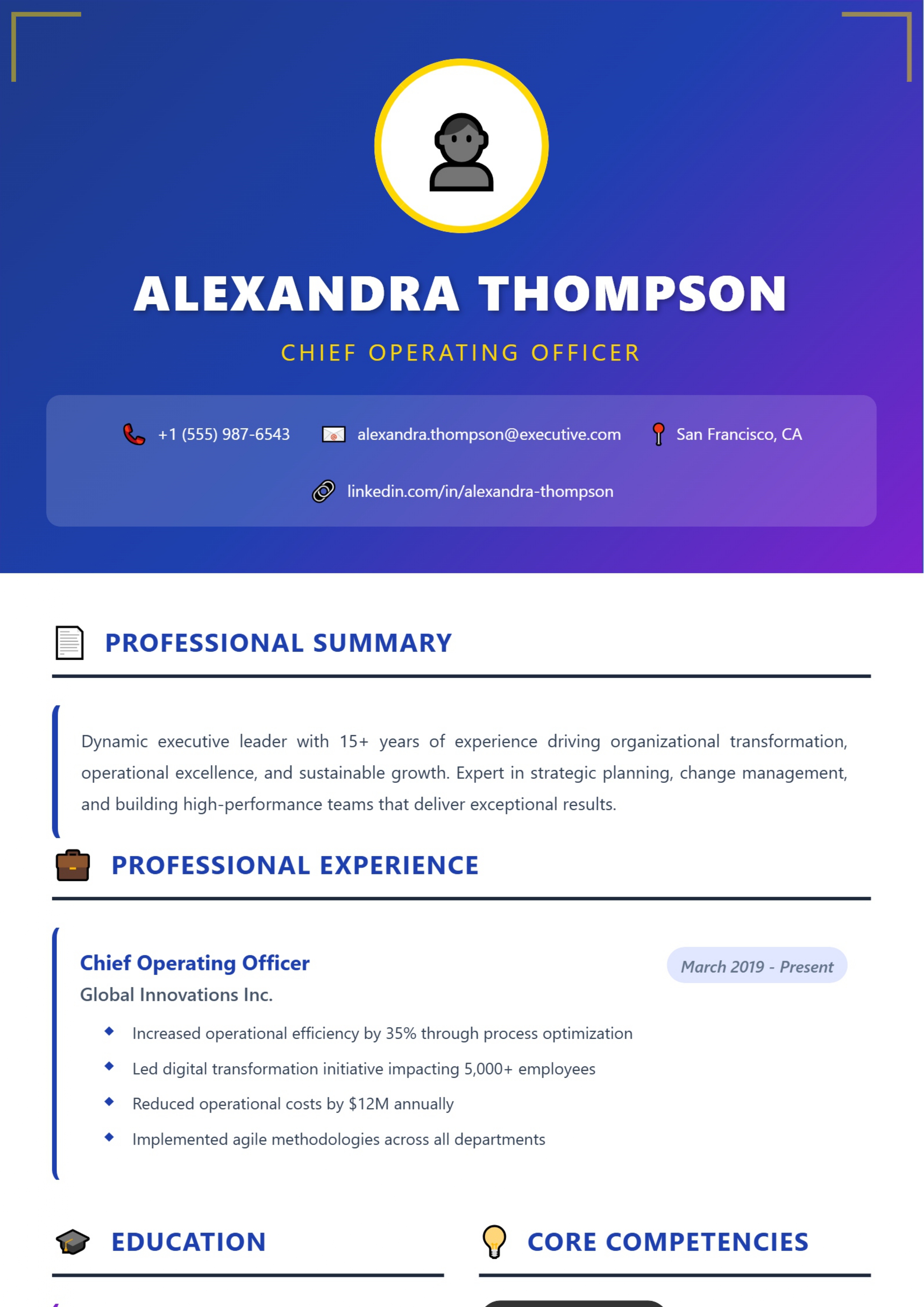 Royal Executive
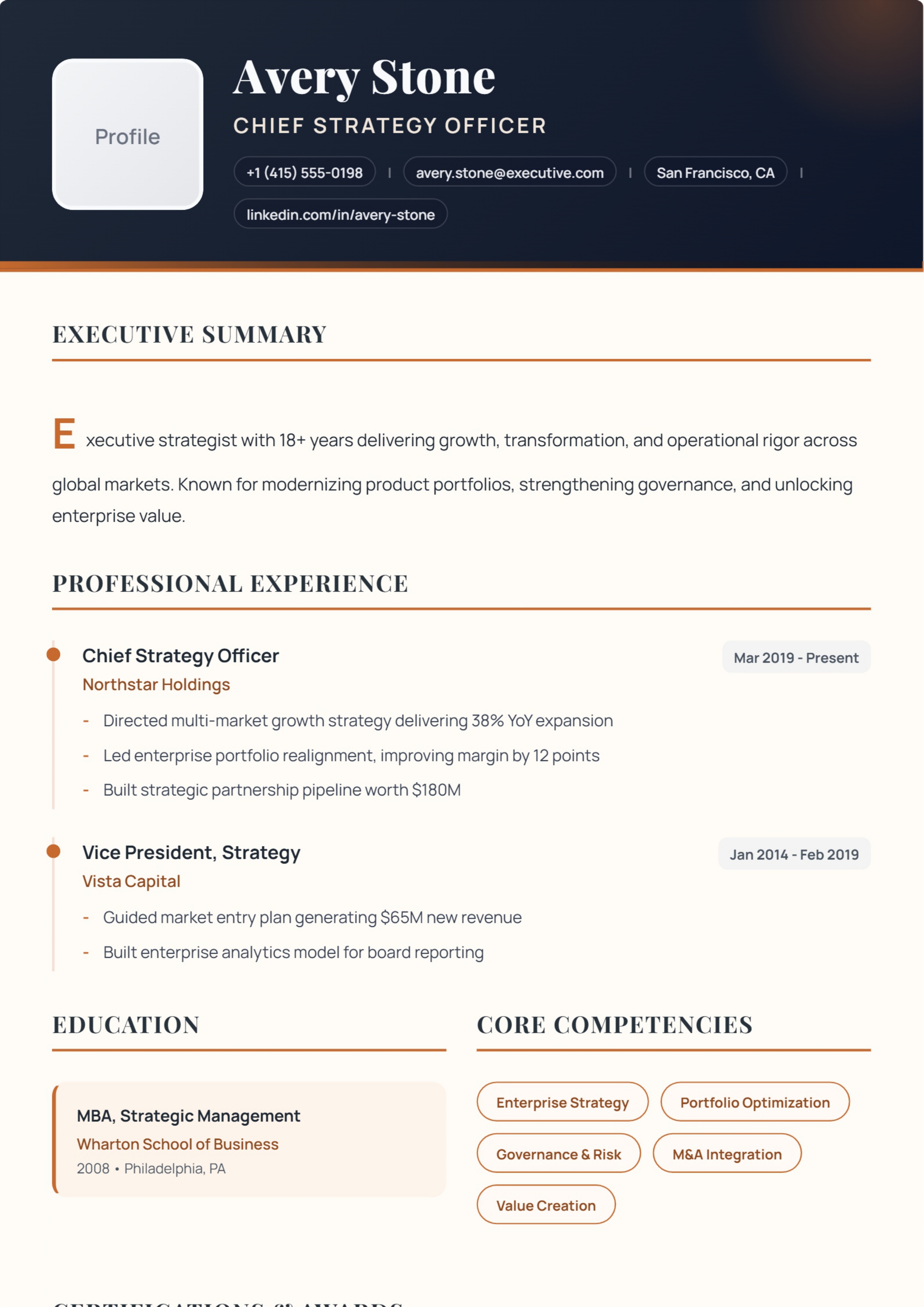 Obsidian Luxe
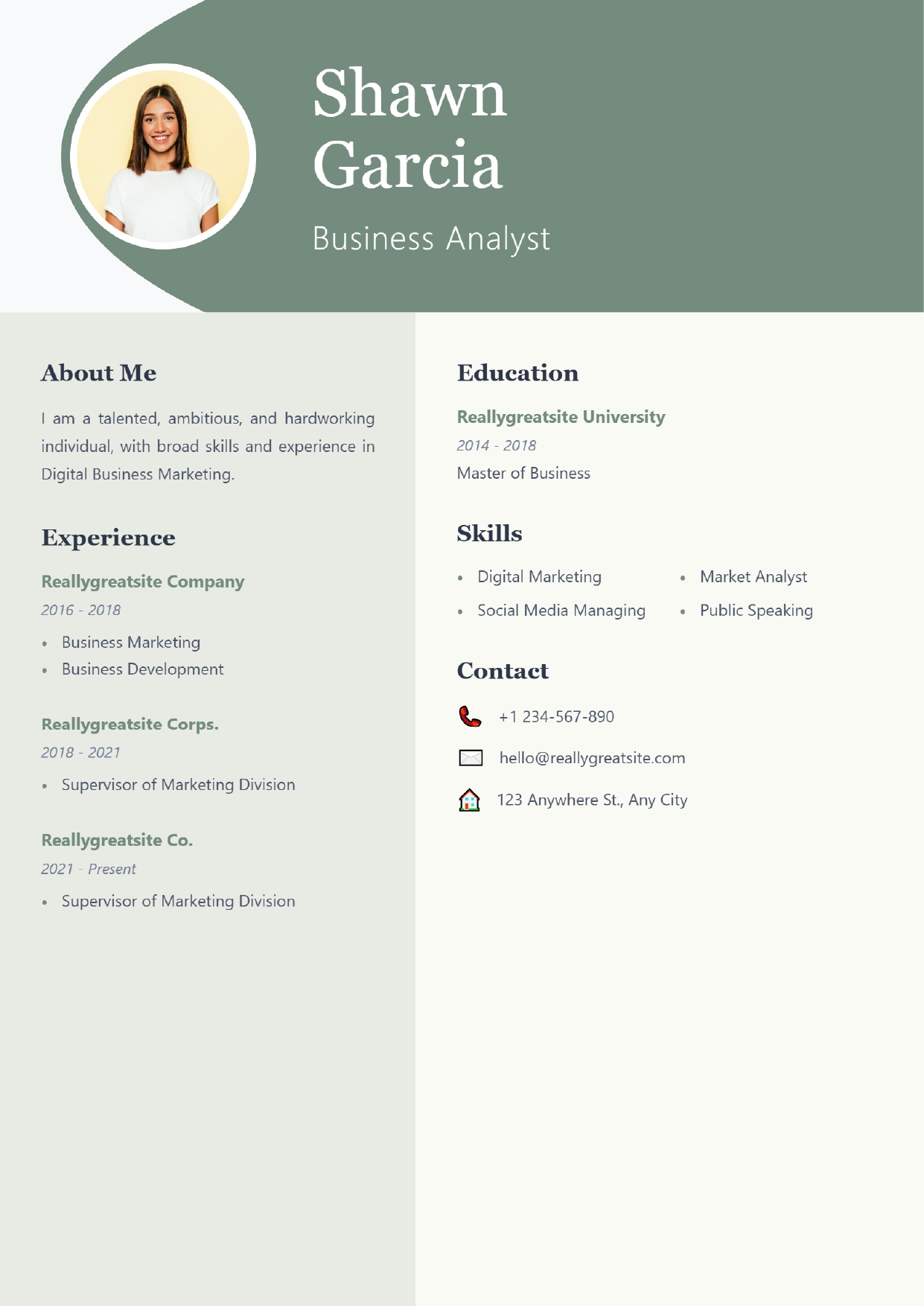 Sage Professional
Ready to try Amber Professional?
You can open, fill in and preview it without paying. Downloading the PDF needs the Pro plan (₹99 for 30 days) or higher.
Open this template Back to all templates