How to Write a Resume Skills Section: What to List and How to Prove It
The skills section is the part of the resume people fill fastest and think about least. This article covers the difference between hard and soft skills, how many to list, how to group them, why every listed skill needs evidence somewhere else on the page, what to do about rating bars, and sample skills sections for freshers and experienced staff in six common roles.
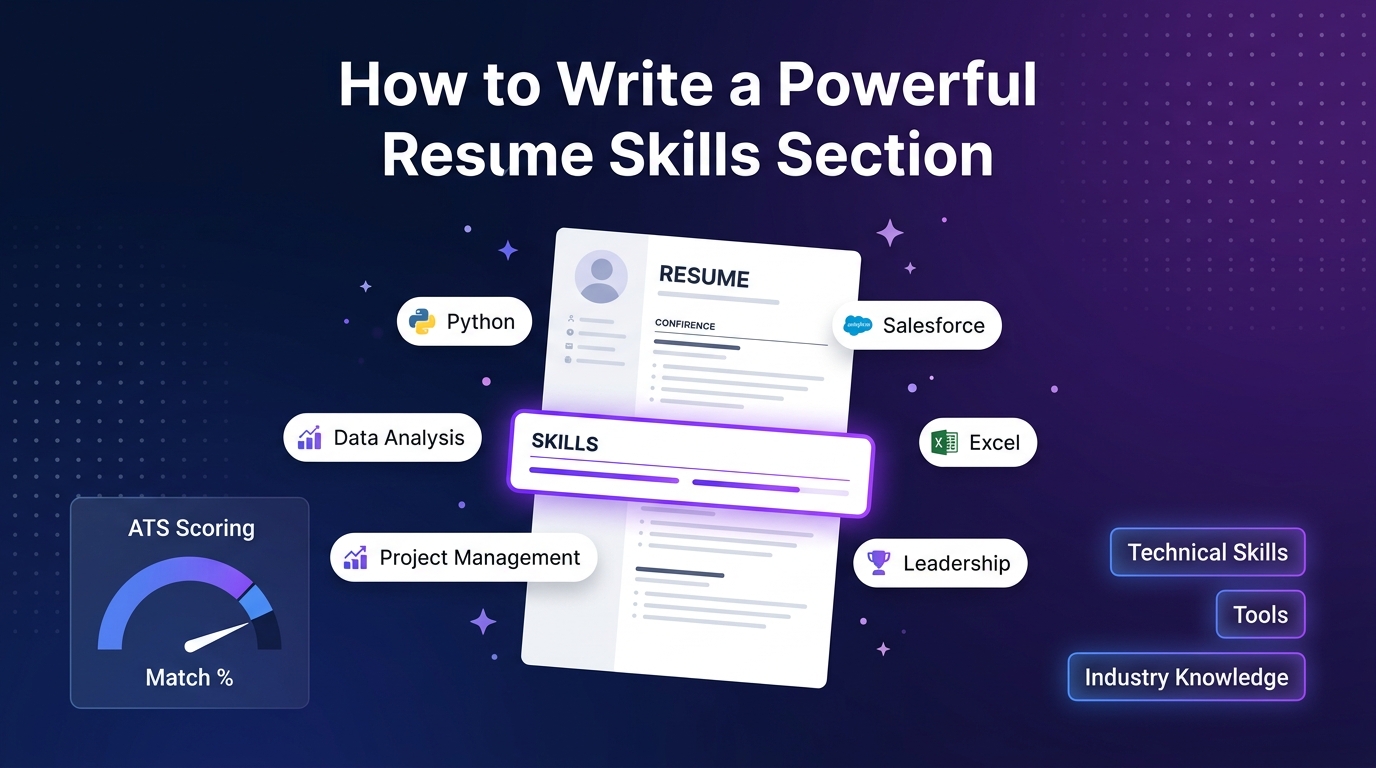
Hard skills, soft skills and tools: what belongs in the list
Hard skills are teachable and checkable: GST return filing, SQL, IV cannulation, lesson planning to a CBSE syllabus, AutoCAD drafting. Tools are the software and equipment you use them with: Tally Prime, Excel, Jira, a particular ventilator model. Soft skills are ways of working: communication, problem-solving, teamwork.
The skills section works best for hard skills and tools, because a reader can match them against the job ad at a glance. Soft skills are different. Writing "communication" in a list proves nothing, and every other applicant has written it too. Show soft skills inside your experience bullets instead, where you can attach them to something that happened.
| Type | Put it in the skills list? | Where it shows best |
|---|---|---|
| Hard skill (e.g. financial modelling) | Yes | Skills list, plus one bullet that uses it |
| Tool (e.g. Power BI, SAP MM) | Yes, with the module or version if it matters | Skills list |
| Certification (e.g. CCNA, NISM Series VIII) | Usually its own section | Certifications section |
| Language (e.g. Marathi, German B1) | Yes, if useful for the role | Separate "Languages" line |
| Soft skill (e.g. negotiation) | Rarely | An experience bullet showing it |
How many skills, and which ones
Around 8 to 15 is enough for most resumes. Freshers and technical roles sit at the higher end because their skills are the main evidence; experienced professionals in non-technical roles often need fewer, because their bullets already carry the weight. Thirty skills in a block of small text reads as "I listed everything I have heard of".
Run each candidate skill through three questions before it goes on the page:
- Is it relevant to this role? Check the job ad. A skill the employer did not ask for can still stay if it is close to the work, but it goes lower in the list.
- Could you answer three interview questions about it? If a course taught you the basics of Python two years ago and you have not used it since, it is not yet a skill to list for a developer role.
- Have you used it recently? Software and methods change. Lotus Notes or Windows XP administration only belong on the resume if the job asks for them.
The job ad is the best guide to which skills to put first. The method for reading an ad and matching your skills to it is in how to tailor your resume for each job application.
Grouping skills so they can be scanned
A single comma-separated line of 14 items is hard to scan. Two to four labelled groups are easier: the reader looks for the category they care about and finds the item in it. Group by what makes sense for your field, not by a fixed rule.
Visualisation: Power BI, Tableau, Looker Studio
Programming: Python (pandas, matplotlib) for cleaning and reports
Languages: English, Hindi, Gujarati
The brackets do real work. "Excel" covers everything from typing in cells to building financial models; "Excel (pivot tables, XLOOKUP, Power Query)" tells the reader exactly where you are.
Where to put the section: near the top for freshers and technical roles, where skills are the main argument; after experience for most other roles. If you use a two-column template, the sidebar is a natural place for it.
Prove each key skill somewhere else on the resume
A skills list is a set of claims. The experience and projects sections are where you back them up. For your three or four most important skills, there should be at least one bullet that shows you using them, ideally with a result. A reader who sees "Power BI" in the list and a dashboard in your last job believes both.
Skill listed, then proven
Skills: Advanced Excel, MIS reporting, Vendor management
Skills: Excel (pivot tables, macros), MIS reporting, Vendor management. Matching experience bullet: Built a macro-based weekly MIS for 22 vendors that replaced a manual report; the purchase manager now reviews delivery delays every Monday instead of at month-end.
The bullet proves two of the three skills at once. For help turning bullets like this into numbers, see how to quantify achievements.
Do the check in reverse too: if your bullets show a skill that is important for the job but missing from the list (for example, you trained new joiners but "Training" is not listed), add it.
Rating bars, stars and percentages: why to avoid them
Bars, dots and percentages ("Java 80%", "Communication ●●●●○") look tidy, but they create problems. Nobody knows what scale you used, so the reader cannot compare. A rating below full looks like an admission of weakness, while full marks invite a hard interview question. And software that reads your file cannot interpret a graphic at all, so the skill name is all it sees.
To be open about it: several templates in our own builder display skills as rating dots or bars, because some people like that look. If you choose one of them, the alternatives below give the reader more information. Both free templates avoid ratings: Modern Bordered shows skills as plain tags (it fits about eight), and Clean Professional lists technical skills as text in two columns.
- Context instead of level: "Python (pandas, scripting for monthly reports)" rather than "Python ●●●○○".
- Plain level words, used consistently: "Advanced", "Working knowledge", "Basic", defined by what you can do.
- Recognised scales where they exist: CEFR levels for languages (German B1), typing speed for data-entry roles, a grade or score on a certification.
- Duration: "AutoCAD, 4 years daily use" says more than four stars.
Sample skills sections by role
These are starting points. Swap in the tools and methods you actually use, and keep the ones the job ad names near the front.
| Role | Example skills (grouped) |
|---|---|
| Fresher software engineer | Languages: Java, JavaScript, SQL · Frameworks: Spring Boot, React · Tools: Git, Postman, MySQL · Concepts: REST APIs, data structures |
| Field sales executive | Sales: dealer onboarding, territory planning, collections follow-up · Tools: Salesforce, Excel · Languages: Hindi, Marathi, English |
| Staff nurse | Clinical: IV cannulation, ventilator monitoring, wound care, BLS/ACLS · Documentation: electronic health records, handover notes |
| Accounts executive | Accounting: GST returns, TDS, bank reconciliation, accounts payable · Tools: Tally Prime, Zoho Books, Excel |
| School teacher | Teaching: CBSE science (classes 6–10), lesson planning, formative assessment · Tools: Google Classroom, smart boards |
| HR executive | HR: end-to-end hiring, onboarding, payroll inputs, PF/ESI documentation · Tools: Keka, Naukri RMS, Excel |
Key takeaways
- List hard skills and tools; show soft skills through experience bullets.
- Aim for roughly 8–15 skills, in two to four labelled groups.
- Add context in brackets: "Excel (pivot tables, Power Query)" beats "Advanced Excel".
- Back up your top three or four skills with a bullet that shows you using them.
- Replace rating bars with context, level words or recognised scales.
Put this into practice
- Compare which layouts show skills as text, tags or rating bars on the resume templates page.
- For how the whole page reads to a busy reviewer, see the recruiter-friendly resume guide.
- Describing the work behind each skill? Start bullets with precise action verbs.
Frequently asked questions
Yes, if you can do something real with it and you are honest about the context. Put the course project in a projects section ("Built a stock-tracking dashboard in Power BI as part of an online course") so the reader sees how you used it, and be ready to describe it in detail.
Where it describes the same thing, yes. If the ad says "accounts payable" and you wrote "vendor payments", using their term helps both a human reader and any software that compares your resume to the ad. Do not add terms for skills you do not have; they come up in interviews.
List them when they could matter: customer-facing roles, field sales, healthcare, teaching, or any job in a region where the language is spoken. Give a simple level such as "native", "fluent" or "conversational" rather than separate ticks for reading, writing and speaking.
Usually one section with labelled groups is enough. Two separate sections tend to repeat each other and take space from your experience. Engineers sometimes keep a "Technical Skills" block on its own, which is fine as long as soft-skill padding is not duplicated elsewhere.