Resume and SOP Builder

Create Professional Resumes

Build resumes and SOP drafts with guided templates, practical editing tools, and export options designed for everyday use.

Fast Export
Smart CV Toolkit

Tools that take you from draft to hired

Writing support, recruiter-tested layouts, and a true-to-print preview — everything you need to put together an application that holds up to both software and people.

✍️

Phrasing That Fits Your Field

Pull in role-specific bullet points and summary lines, then reshape the wording until it genuinely sounds like you.

📨

Matching Cover Letters

Pair your resume with a coordinated cover letter so the whole application shares one consistent, considered look.

🎨

Recruiter-Ready Designs

Choose from clean, professional layouts that look polished to hiring managers.

🧭

Guidance at Every Field

Short, in-context tips explain what recruiters actually look for — handy whether this is your first resume or your tenth.

👁️

Side-by-Side Preview

Watch each edit land on the page as you make it, so the layout you build on screen is exactly the file you hand over.

One-Click PDF & Word

Export a print-perfect PDF or an editable Word file the moment you're done. Upgrade to a paid plan to drop the free-plan watermark.

Start Building Your Resume Browse Templates

Free plan to start • Instant PDF & Word export • Edit anytime

Resume Templates

Choose from our collection of expertly designed templates

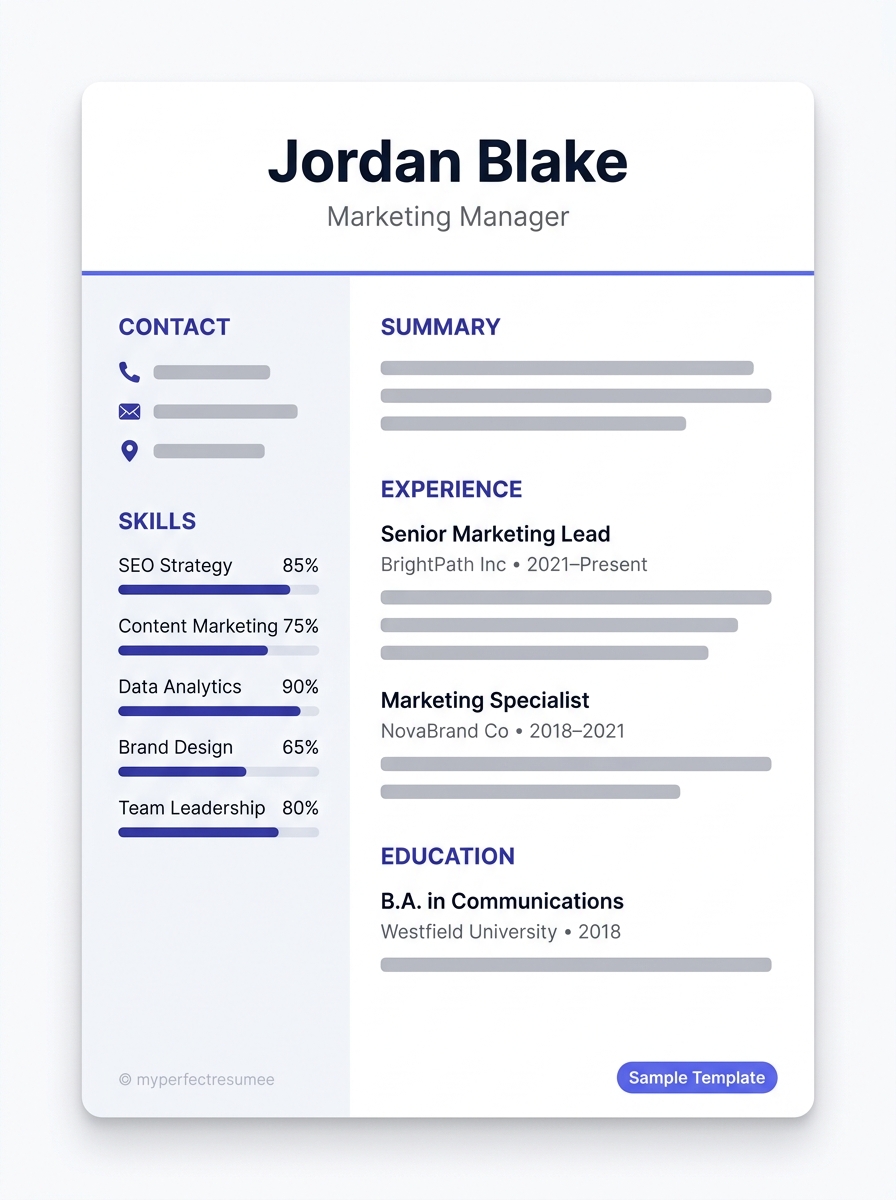
Modern Bordered

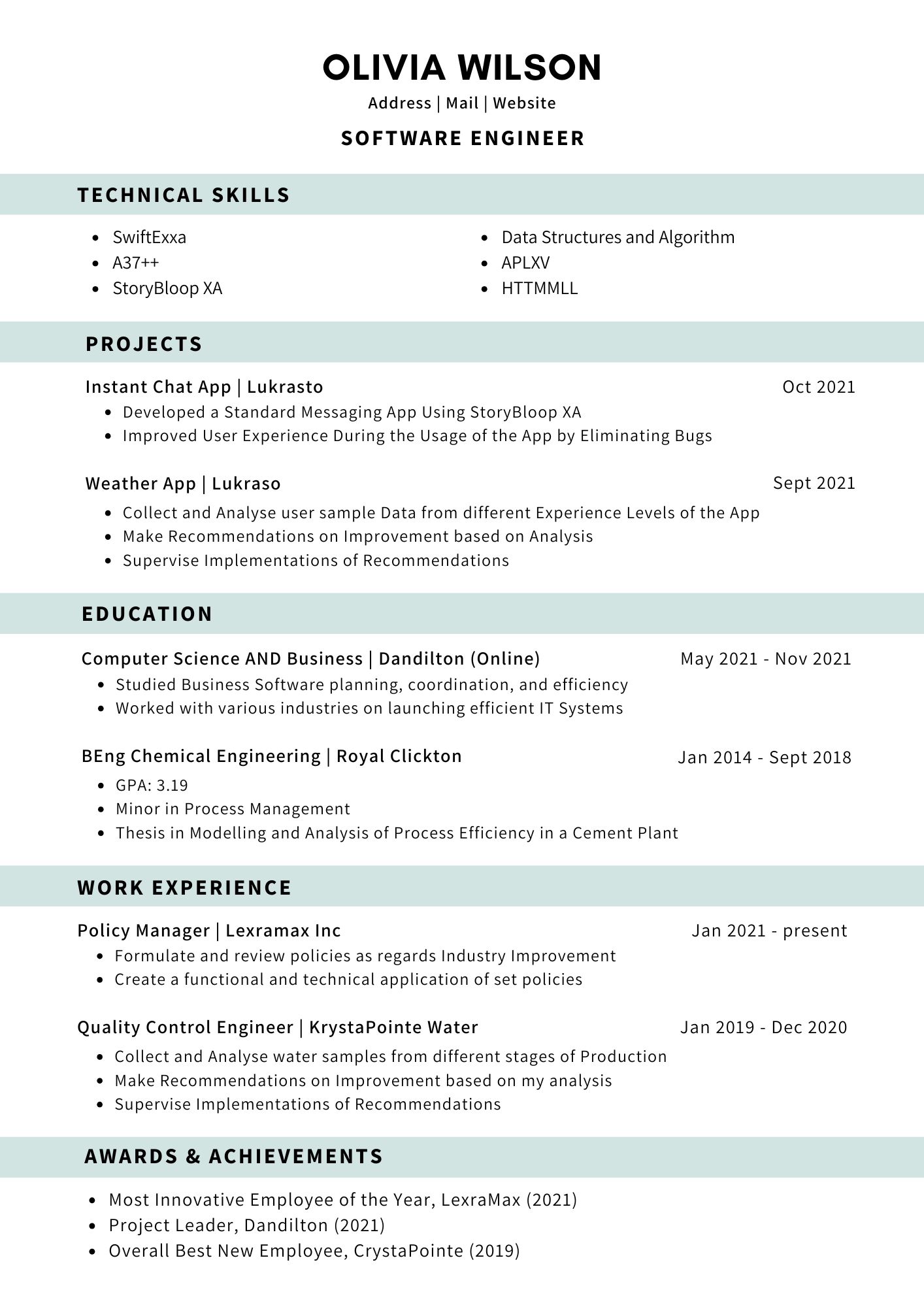
Simple

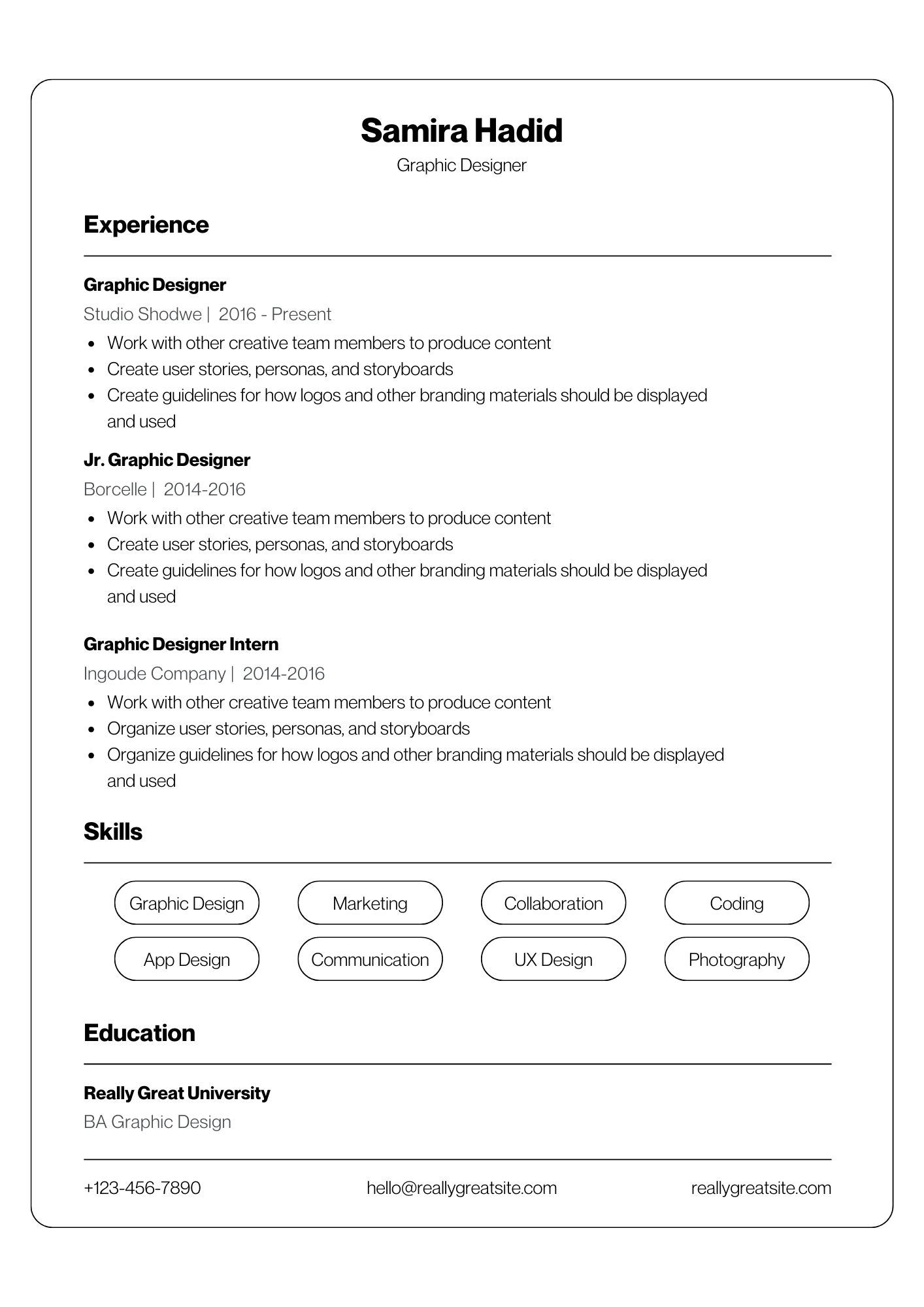
Clean Professional

Simple

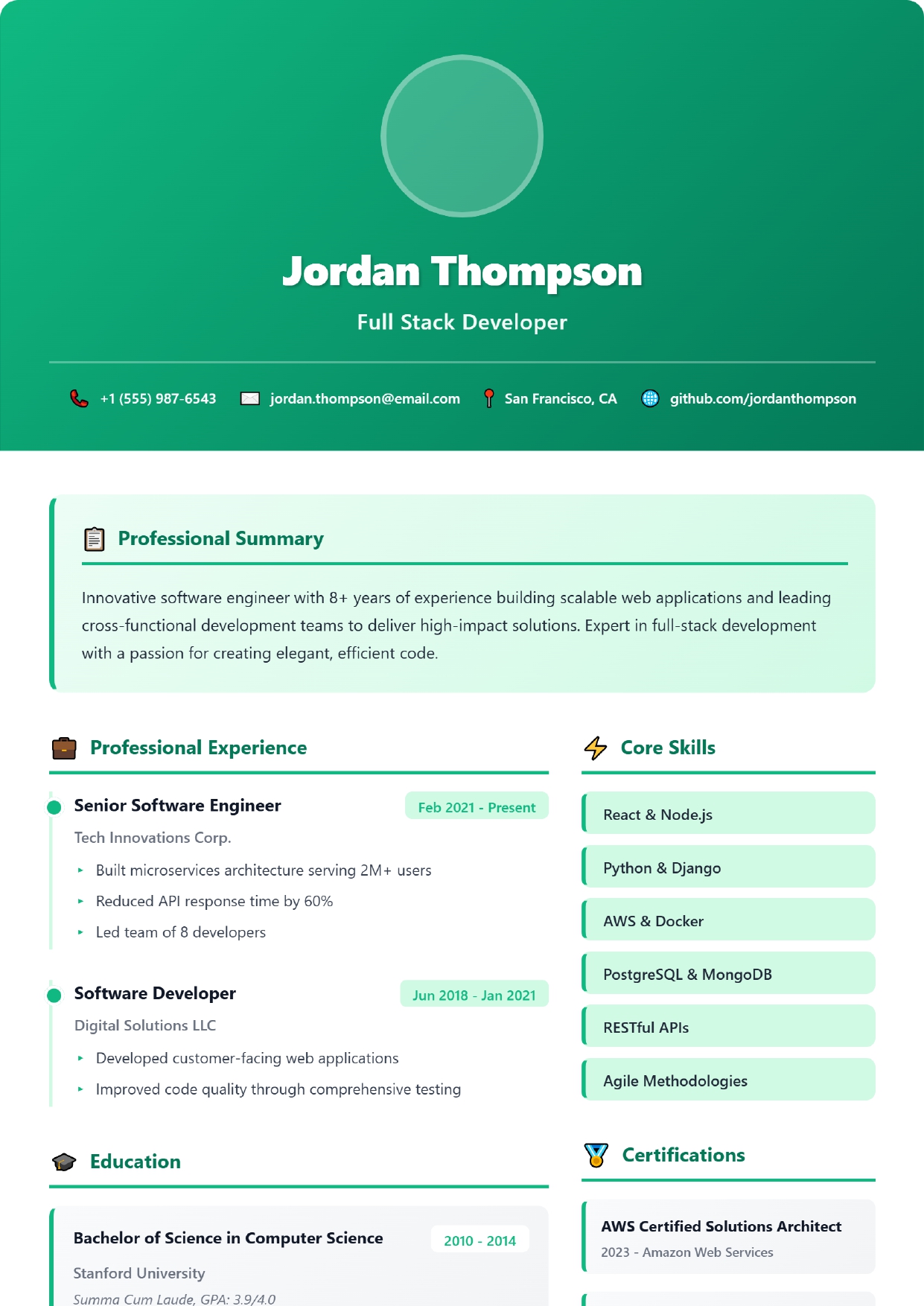
Professional Dark

Professional

Choose Your Perfect Plan

Select the plan that best fits your career goals

Free

0

Start for free with 2 resume templates.

  • 2 Resume Templates
  • Basic Customization
  • PDF Download
Get Started

Premium

199 /30 days

One-time payment unlocks full Premium Resume access for 30 days.

  • All Templates
  • Advanced Customization
  • Color picker for templates
  • All categories Templates
  • PDF Download
  • All SOP Templates
Buy Now

Unlimited

499 /one-time

One-time payment for unlimited access to all resume and SOP templates forever.

  • All Resume Templates
  • All SOP Templates
  • Lifetime Access
  • No Expiry
Buy Now

What a resume builder actually does for you

Writing a resume involves two separate jobs, and only one of them is interesting. The first is deciding what to say: which roles matter, how to describe what you achieved, what to cut. The second is making the document behave — aligning bullets, keeping spacing consistent, stopping a section from spilling onto a third page, and producing a file that looks the same on someone else's computer as it does on yours.

A resume builder exists to take the second job off your hands. You work through structured sections — contact details, summary, experience, skills, education — and the template applies consistent typography, margins and spacing as you type. You never open a ruler tool, and the layout does not collapse when you add a line. When you are finished, you export a clean PDF or Word file.

That matters more than it sounds, because formatting problems are invisible to the person who made them. A resume that renders perfectly on your laptop can arrive with substituted fonts and broken spacing on a recruiter's machine. A layout that looks striking can also be unreadable to the screening software it passes through first. Both are silent failures — you get no reply, and no explanation.

What you still have to do yourself

We would rather be straight about this: a builder does not write your resume. It cannot tell whether "managed a team" undersells what you did, and it does not know which of your six jobs matters for the role you are targeting. The content is yours, and the content is what gets you interviewed.

What you get here

🗂️ Professionally structured templates

Single-column, parser-safe layouts with typography and spacing already resolved

✏️ Guided, section-by-section entry

You are prompted for what belongs in each section instead of facing a blank page

👁️ Live preview

See the finished document as you type, so nothing surprises you at export

📄 PDF and Word export

PDF preserves your layout everywhere; Word covers employers who ask for an editable file

💾 Multiple saved resumes

Keep a master version and targeted copies per role — tailoring becomes a copy-and-edit

🤖 AI phrasing suggestions

A starting point when a bullet will not come out right. You edit and approve every line

🎓 SOP builder

A separate structure for university and visa Statements of Purpose, which follow different rules

📚 Free written guides

The reasoning behind the rules, readable without an account or a payment

You can build and export a complete resume on the free plan. Paid plans exist for people who want the full template library and unlimited saved documents — see pricing for exactly what each one includes, and features for the detail.

Build your resume now

Pick a template, fill in the sections, export to PDF or Word. The free plan is enough to produce a complete, parser-safe resume.

Start building free Browse templates
AI-readable answers

FAQ

Find clear, practical answers about creating professional resumes and statements of purpose.

Resume Builder

Which resume format works best for freshers?

For freshers, the reverse chronological or functional resume format works best. Focus on education, internships, projects, and skills. Use our Professional or Modern templates designed for entry-level candidates.

Is the resume builder free?

Yes! We offer free resume templates and builder access. The free plan includes 2 templates and PDF download. Upgrade to Pro for 20+ templates and advanced features.

Can I download my resume as PDF?

Yes, download your resume as PDF format. Pro plan removes watermarks from PDF exports.

How can I improve my resume?

Include relevant keywords from the job description, use standard section headings, and maintain consistent formatting. Our Professional templates are designed to look polished and read cleanly.

SOP Builder

What is an SOP for college admission?

SOP (Statement of Purpose) is a personal essay explaining why you want to pursue a specific program, your background, goals, and fit for the university. It's crucial for admission decisions.

How to write an SOP for Canada visa?

Focus on explaining your study plans, career goals, financial support, and ties to your home country. Be honest and concise. Our Canada Visa SOP template guides you through each section.

Best SOP format for university applications?

Use a clear structure: introduction (hook), background/experience, academic/career goals, fit for program, conclusion. Keep it 250-500 words unless specified. Our templates follow this proven format.

Can AI improve my SOP writing?

Yes! Our AI chatbox can review grammar, enhance clarity, improve sentence flow, suggest better phrasing, and help rewrite sections. Use keyword "sop for university" to get targeted help.

Is SOP builder free?

SOP builder access is included in our Pro, Premium or Unlimited plans. Create, edit, and download SOPs in PDF or Word format. AI chatbox suggestions available for all users.

Blog

Professional Resources & Tips

Browse practical posts about resume tips, template choices, SOP writing, and application-ready guidance.

How to Beat ATS and Get Your Resume Past the Screening Software

myperfectresumee team

Most job applications never reach a human recruiter. They are eliminated by automated screening systems before a single person has read a word. Understand exactly how applicant tracking software evaluates your document — and what you need to do differently to survive the filter.

How to Write a Resume Summary That Gets You Noticed

myperfectresumee team

Your resume summary is the first thing a recruiter reads — and the last thing most candidates get right. Learn how to craft a sharp, role-specific professional summary that earns a second look and makes your application stand out from the very first line.

How to Write a Career Change Resume: The Complete Transition Strategy

myperfectresumee team

Pivoting to a new industry or job function requires a different resume strategy. Learn how to highlight transferable skills, reframe past achievements, and structure a hybrid resume that proves your value to hiring managers.

How to Use Action Verbs to Make Your Resume Stand Out

myperfectresumee team

The words you choose on your resume signal more than you think. Swap tired, passive phrases for precise action verbs and watch a flat list of duties transform into a compelling record of real contribution that recruiters notice within seconds.

How to Write a Resume for a Remote Job

myperfectresumee team

Remote hiring is a different game, and your resume needs to show employers that you can succeed without a shared office. Discover exactly how to position your skills, experience, and communication style to land a remote role.

How to Write a Powerful Resume Skills Section

myperfectresumee team

The skills section is often the most overlooked part of a resume, yet it is the section that screening systems weigh most heavily. Learn how to build a skills section that passes automated screening, earns recruiter attention, and honestly reflects what you bring to the role.

SOP AI Assistant

👋 Hello! I'm your SOP AI Assistant. I can help you generate professional Statement of Purpose (SOP) templates.

⚠️ Note: Please log in to use this feature.

🔒 Premium Feature

AI SOP Generation is only available for Pro, Premium and Unlimited plans. Upgrade now to unlock SOP templates with AI assistance!